

Managing who gets through your doors used to mean on-site servers, dedicated software, and a call to IT whenever something needed changing. This guide covers how web-based systems work, how they differ from traditional setups, and what actually matters when picking one.

What is a web-based access control system? #
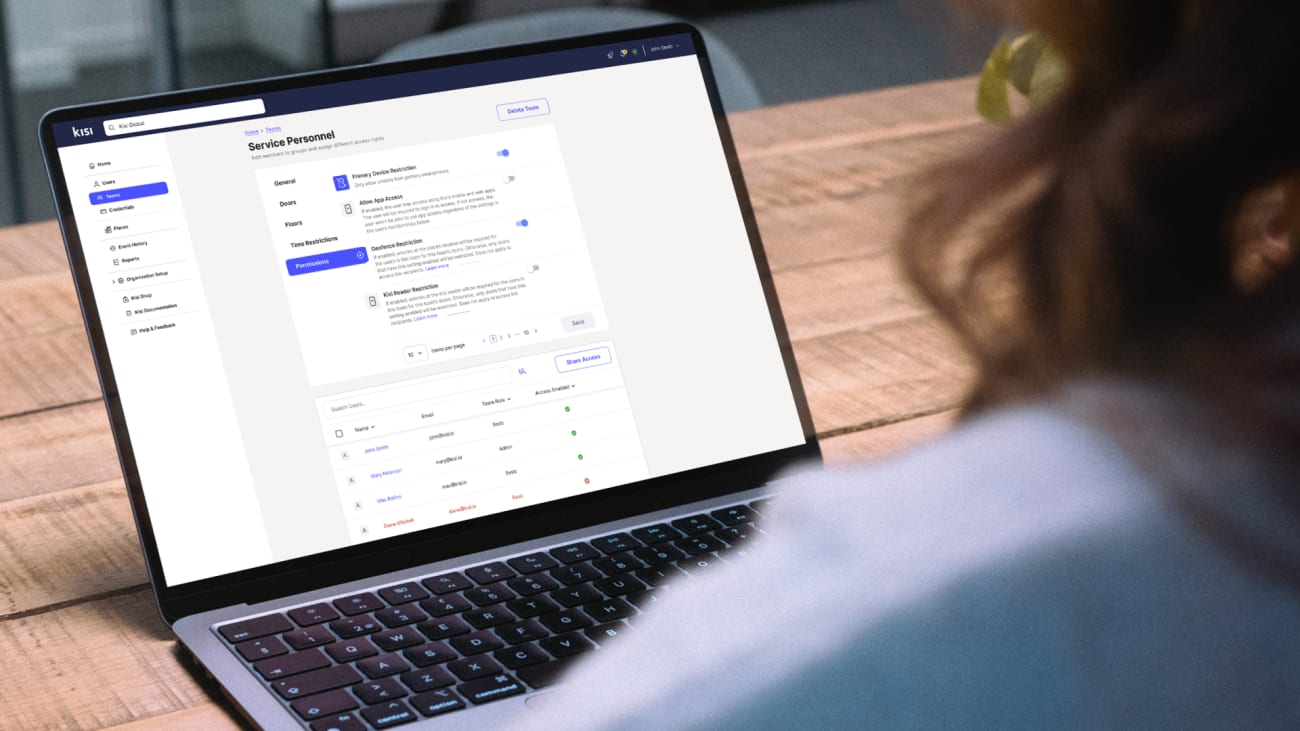
A web-based access control system lets you manage physical access to your building through an internet-connected interface. Doors, gates, elevators, no software to install locally. You add or remove users, check entry logs, adjust schedules, lock or unlock doors from a browser or phone.
A web-based physical access control system provides an additional layer of security by automatically collecting data on all events that occur within the system. You can check the security events log from anywhere and anytime and adjust most of the system's settings remotely.
In fact, a web-based access control system is able to cover entry points located in any part of the world, and you can control multiple sites at once. A reliable platform enables global access control management from a single location using a secure network to control any entry point across the network.
Most vendors use "web-based," "browser-based," and "cloud-based" as synonyms, and for most purposes that's fine. The one distinction worth understanding is where the server lives: on your premises, or hosted by the vendor. That's what the comparison section covers.
How does a web-based access control system work? #
Web-based access control systems can incorporate both cable and wireless networks to manage readers and locks. Moreover, a technology known as PoE (Power over Ethernet) uses connections that provide power and data to a connected device through a singular cable. This means you can power and manage a security device over a single connection.
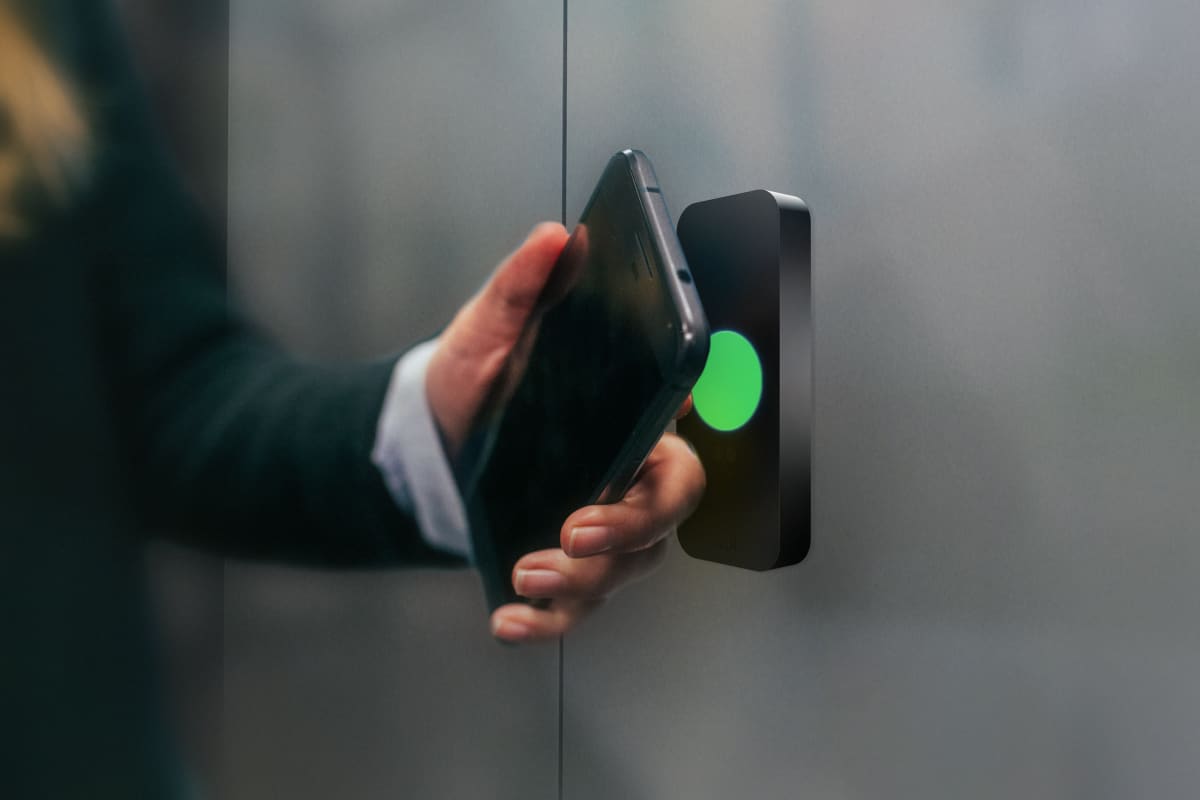
Someone presents a credential: a phone, key card, or PIN. The reader sends a signal to a controller. In a cloud-based system, the controller checks with a remote server, which validates the credential and sends back an unlock command. In a locally hosted system, that check happens on a server in your building. Either way, the event logs immediately: who, which door, what time.
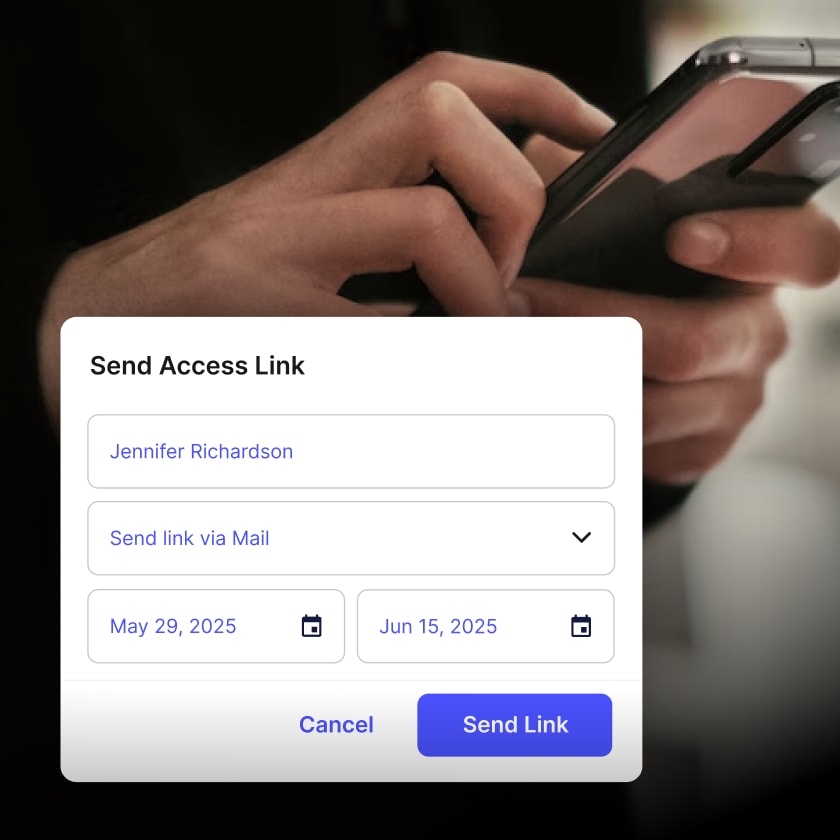
Administrators manage everything through a web dashboard or mobile app. Issue or revoke credentials, set schedules, a contractor's keycard active only on weekdays, view live activity, get alerts when a door is propped open or an access attempt fails.

Ready to move beyond keys and legacy systems?
See how cloud-based access control improves flexibility and visibility.
Web-based vs. browser-based vs. cloud-based access control #
These three terms get used interchangeably, but they describe different things.
Browser-based access control #
This describes how you interact with the system: through a web browser, no desktop software to install. The system itself can still run on a local server in your building. You're using Chrome or Firefox as the interface, but the hardware running things is on your premises.
Web-based access control #
A broader term covering systems that use internet protocols to communicate and support remote access. It includes locally hosted systems with browser interfaces and fully cloud-hosted platforms. When vendors say "web-based," they usually mean no installed client software, but it says nothing about where the server lives.
Cloud-based access control #
The vendor hosts the server, not you. No local server to buy or maintain. You get in through a browser or app, and the vendor handles uptime, updates, and backups. Most modern systems, including Kisi, work this way
Benefits of web-based access control systems #
Modern web-based access control goes well beyond "manage doors from a browser." Having said that, here are some of the most obvious advantages of this technology.
- Remote management: grant or revoke access from anywhere. Useful when an employee loses a key card at 11pm or when a site needs locking down fast after an incident.
- Mobile credentials: employees use their phones to unlock doors. Some platforms, including Kisi, support employee badges in Apple Wallet, so credentials sit alongside boarding passes on a device people carry anyway.
- Multi-site management: one dashboard, multiple locations, consistent policies, one audit trail, whether your buildings are across town or across countries.
- Integrations: connect to your HR platform so access follows the employee: granted on day one, revoked on the last. Tie in video surveillance, visitor management, building automation.
- Audit logs and analytics: every entry and exit is logged with a timestamp, user, and door. Pull reports for compliance, investigate incidents, or catch patterns you'd otherwise miss entirely.
- Automatic updates: security patches go out automatically. No outdated firmware sitting on a controller because a maintenance window never got scheduled.
Can you upgrade an existing access control system? #
If you already have card readers and wired door hardware, you probably don't need to start over. Many modern platforms, including Kisi, work with existing hardware, wiring, and locks.
In a typical retrofit, the controller is what changes. Your readers and locks stay. The controller gets swapped for one with cloud connectivity, giving you remote access, modern credentials, and a web dashboard without pulling everything out.
Before going that route, check:
- Whether your readers use standard protocols. Wiegand is the most common. A new controller needs to support whatever yours use.
- Whether your door hardware is compatible with the replacement controller
- Whether the vendor does a site assessment before quoting
Older proprietary hardware sometimes needs a full replacement. For most businesses with standard commercial installations, a retrofit works.
What to look for in a web-based access control system #
Map what you need before talking to vendors: number of doors, locations, expected users, existing hardware. The system you choose will run a core piece of your physical infrastructure for years.
Authentication methods #
Look for a platform that supports multiple forms of authentication: mobile credentials, physical credentials such as cards or key fobs, and a PIN. Security experts recommend using at least two methods. You'll also want readers that are physically tamper-resistant, look for tamper alarms that alert you if a reader is removed or altered.
Intrusion detection #
Consider implementing additional security measures, such as intrusion detection, to prevent and mitigate attempts to breach the physical perimeter of your secured spaces. For instance, Kisi's intrusion detection will monitor, register and inform the alert subscriber about policy violations, e.g., when a door is forced or propped open.
Offline resilience #
What happens when the internet goes down? A solid cloud system caches credentials at the controller so doors keep working through an outage. Not all systems do this, so ask specifically.
Security certifications #
SOC 2 Type II is the baseline for cloud-hosted systems. If you operate in a regulated industry or handle personal data in the EU, check for GDPR compliance and data residency options too.
API and integrations #
An open API lets you connect to HR software, visitor management, or internal tools. A closed system limits you to whatever integrations the vendor has already built.
Scalability #
Adding a location or onboarding 500 new users should not require a separate project. Check how pricing handles growth and whether multi-site management is included or billed separately.
Frequently asked questions #
What is the difference between web-based and cloud-based access control?
Web-based is the broader category: systems you manage through a browser rather than desktop software. Cloud-based is more specific: the server is hosted by the vendor, not on your premises. All cloud-based systems are web-based. Not all web-based systems are cloud-based, some run on a local server with a browser interface.
What is browser-based access control?
Browser-based means you manage the system through Chrome, Firefox, or Safari, no client software required. The system may still run on a local server. It describes the interface, not where the server lives.
Can a web-based access control system work without internet?
Depends on the system. Cloud-based platforms typically cache credentials at the controller, so doors keep working during an outage. You lose the ability to make remote changes until connectivity returns. Locally hosted systems are generally unaffected by internet outages as long as your internal network stays up.
Is web-based access control secure?
Yes, when set up properly. Leading cloud platforms encrypt data in transit and at rest, support two-factor authentication for admins, and push security updates automatically. SOC 2 Type II certification is a reliable signal that a vendor takes this seriously. On-premise systems shift more of the security responsibility to you: patching, backups, and network security.
How much does a web-based access control system cost?
It varies by number of doors, locations, and features. Cloud-based systems typically charge per door or per reader per month, with lower upfront hardware costs than on-premise. On-premise costs more upfront but less on ongoing software. Factor in installation, hardware, and support when comparing quotes.
Take control of your building security with Kisi #
Thousands of companies use Kisi to manage building access. Kisi runs entirely in the cloud, no on-premise server to buy, set up, or maintain. Deployment is faster, updates are automatic, and your IT team is not managing local hardware. The dashboard and mobile app work from any browser or smartphone, and the system scales from one office to thirty locations.
Employee badges in Apple Wallet, an open API that connects to HR systems, Google Workspace, Microsoft Azure, and other tools your team already uses, real-time analytics that show how your spaces actually get used. Those are the things that tend to matter once you're past the basics.
Kisi is SOC 2 Type II certified, encrypts all data in transit and at rest, and supports two-factor authentication for administrators. Every access event gets logged with a full audit trail, and readers include tamper detection.
Contact us to speak to one of our physical security experts about your security and access needs.
Modern security starts with the right foundation
Explore practical ways to improve security and operational readiness.